
How to Use Cardfornia with Ledger: Secure AI Payments

How to Use Cardfornia with Ledger: Secure AI Payments
Cardfornia lets businesses turn stablecoins into controlled Visa and Mastercard virtual cards for AI agents, ad accounts, SaaS, and global purchases. Ledger keeps the private keys that authorize your stablecoin funding. Used together, Cardfornia handles card issuance and transaction controls while Ledger protects the wallet that holds and sends your USDT or USDC. This guide explains the workflow, setup steps, practical examples, and the problems the combination solves.
Why pair Cardfornia with Ledger?
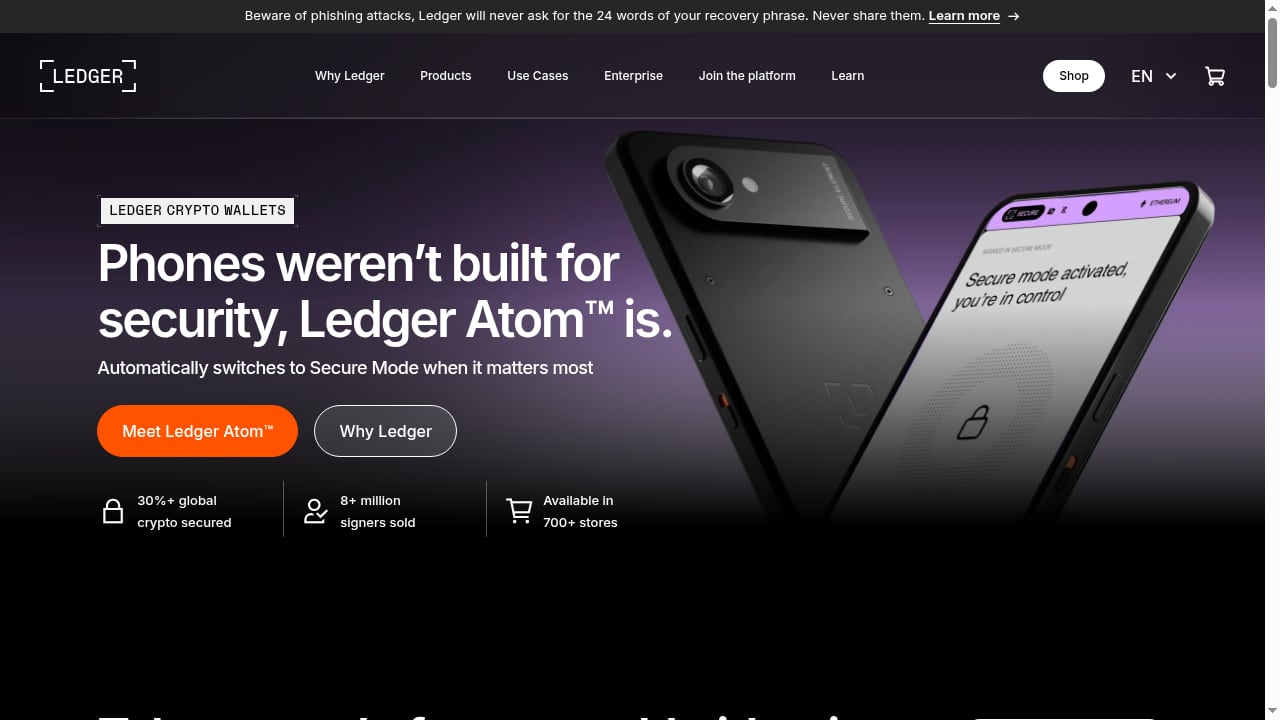
First viewport screenshot of www.ledger.com.
Cardfornia is built around a self-custody model: you top up a single account with stablecoins into your own wallet, and card issuance and fund holding are handled by licensed partner institutions. Cardfornia does not take custody of your funds. Ledger adds hardware-based key security, so the wallet that sends stablecoins to your Cardfornia funding address is protected by a device rather than a browser extension alone.
The combination addresses three common risks:
- Key theft or phishing: A hardware signer keeps the recovery phrase offline, reducing exposure to malware and fake wallet prompts.
- Uncontrolled agent spending: Cardfornia scopes each card to specific merchants, limits, and validity windows, so an AI agent cannot spend beyond its mandate.
- Weak audit trails: Cardfornia provides real-time transaction visibility and audit logs, while Ledger confirms that funding transactions were authorized on your device.
How Cardfornia and Ledger work together
Cardfornia and Ledger play different roles in the same payment flow.
| Layer | Cardfornia | Ledger |
|---|---|---|
| Primary function | Issues virtual cards, enforces merchant whitelists, limits, and authorization rules | Stores private keys and signs transactions on a hardware device |
| Custody | Self-custodied funding wallet; funds held by licensed card partner | User-controlled keys |
| Control point | Per-card limits, merchant restrictions, freeze and cancel | Transaction approval on device screen |
| Best for | AI agent payments, ad spend, SaaS subscriptions, travel | Protecting the stablecoin wallet that funds Cardfornia |
In practice, Ledger secures the wallet you use to send USDT or USDC to Cardfornia. Cardfornia then converts that balance into card spending power through its licensed partners. The two products do not replace each other; they cover different parts of the same workflow.
Prerequisites
Before you start, make sure you have:
- A Cardfornia business account with completed KYB verification (typically 1–2 days).
- A Ledger hardware wallet with the latest firmware and the Ledger app installed.
- A supported stablecoin balance (USDT or USDC) on a network that Cardfornia accepts.
- Your Cardfornia funding address and any network memo or tag required by the platform.
- A secure record of your Cardfornia account credentials, separate from your Ledger recovery phrase.
Step-by-step setup
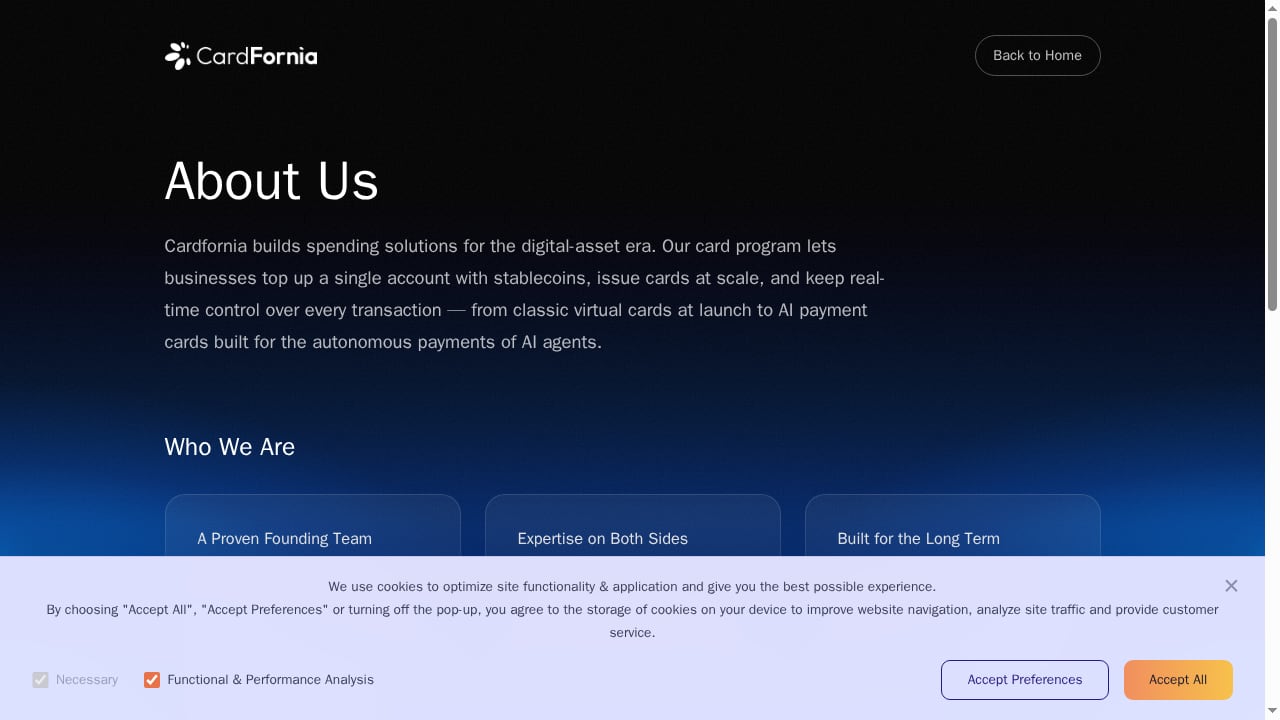
First viewport screenshot of www.cardfornia.com.
Step 1: Prepare your Ledger wallet
- Connect your Ledger device and unlock it with your PIN.
- Open the Ledger app for the blockchain network you plan to use.
- Confirm that the receiving address shown on your device matches the address in your Ledger companion app.
- Verify your stablecoin balance and ensure you have enough native gas token for the transfer.
Always verify addresses on the Ledger screen. A compromised computer can display a different address than the one your device signs.
Step 2: Create your Cardfornia account and complete verification
Sign up with your business email, submit KYB documents, and wait for approval. Cardfornia states that KYB approval usually takes one to two days. Once approved, your team can sign in to the dedicated portal and issue cards.
Step 3: Get your Cardfornia funding address
In the Cardfornia dashboard, locate the deposit or top-up section and copy the stablecoin funding address. Check the network carefully: sending USDC on the wrong chain can result in lost funds. If Cardfornia provides a memo or tag, include it exactly.
Step 4: Send stablecoins from Ledger
- Initiate a transfer from your Ledger-secured wallet to the Cardfornia funding address.
- Enter the amount and confirm the network.
- Review the recipient address and amount on the Ledger device screen.
- Approve the transaction on the device.
- Wait for network confirmation and for Cardfornia to credit your account after blockchain screening.
Cardfornia screens stablecoin funding with blockchain analytics before crediting. A first transfer may take longer than later ones.
Step 5: Issue cards and set controls
Once funds are credited, create virtual cards for each use case. Set per-transaction, daily, and monthly limits; restrict merchants or merchant categories; apply geographic restrictions; and set a validity window. For AI agents, use a narrow merchant whitelist and a hard spending cap.
Step 6: Test with a small transaction
Before giving a card to an AI agent or an ad account, run a small test payment. Confirm that the authorization appears in Cardfornia's transaction log and that the merchant matches your whitelist. Then scale up.
Practical examples
Example 1: Funding an AI agent's API budget
A developer team wants an agent to pay for model API calls without exposing a shared corporate card. They send USDC from a Ledger-secured wallet to Cardfornia, then issue a card limited to the API provider's merchant category with a $300 monthly cap and a 30-day validity. If the agent attempts a purchase from any other merchant, the authorization is declined.
Example 2: Managing ad spend across regions
A cross-border e-commerce operator tops up Cardfornia with USDT from a Ledger wallet and issues separate cards for Meta Ads, Google Ads, and TikTok Ads. Each card has its own monthly limit and geographic restriction. When a campaign ends, the card is frozen instantly. The operator reconciles spend by card and merchant from the dashboard.
Example 3: Paying SaaS and cloud bills
A remote-first company uses Cardfornia to pay AWS, Azure, and Figma. Stablecoin funding from Ledger keeps the treasury wallet under hardware protection, while Cardfornia's multi-currency settlement handles the card transactions. Finance exports transaction logs for month-end reconciliation.
What problems does this combination solve?
First viewport screenshot of www.ledger.com.
- Shared card risk: Instead of passing one card around, each team, vendor, or agent gets a scoped card with its own limits.
- Agent overspend: Merchant whitelists and hard caps prevent autonomous software from buying outside its mandate.
- Key exposure: Ledger keeps the funding wallet's keys offline, so a compromised laptop does not expose the treasury.
- Slow reconciliation: Cardfornia's real-time logs and exports replace manual tracking of who spent what.
- Account bans from unstable payments: Stable, high-limit card payments reduce the risk of ad account or subscription disruptions.
Ledger model considerations
Ledger offers several signer models. The right choice depends on how you manage treasury operations:
- Ledger Nano Classics: A compact, button-based signer for reliable backup protection and straightforward transaction approval. Suitable for teams that want a simple, proven device.
- Touchscreen signers: Offer on-device clarity, advanced threat detection, private backup, and easier review of transaction details. Useful for operators who approve transfers frequently.
- Ledger Atom: Positioned as quantum-ready by design with automatic Secure Mode and everyday app convenience. A forward-looking option for teams planning long-term key security.
Whichever model you choose, the operating principle is the same: verify the recipient address and amount on the device before approving any transfer to Cardfornia.
Cardfornia vs. alternatives for stablecoin-funded cards
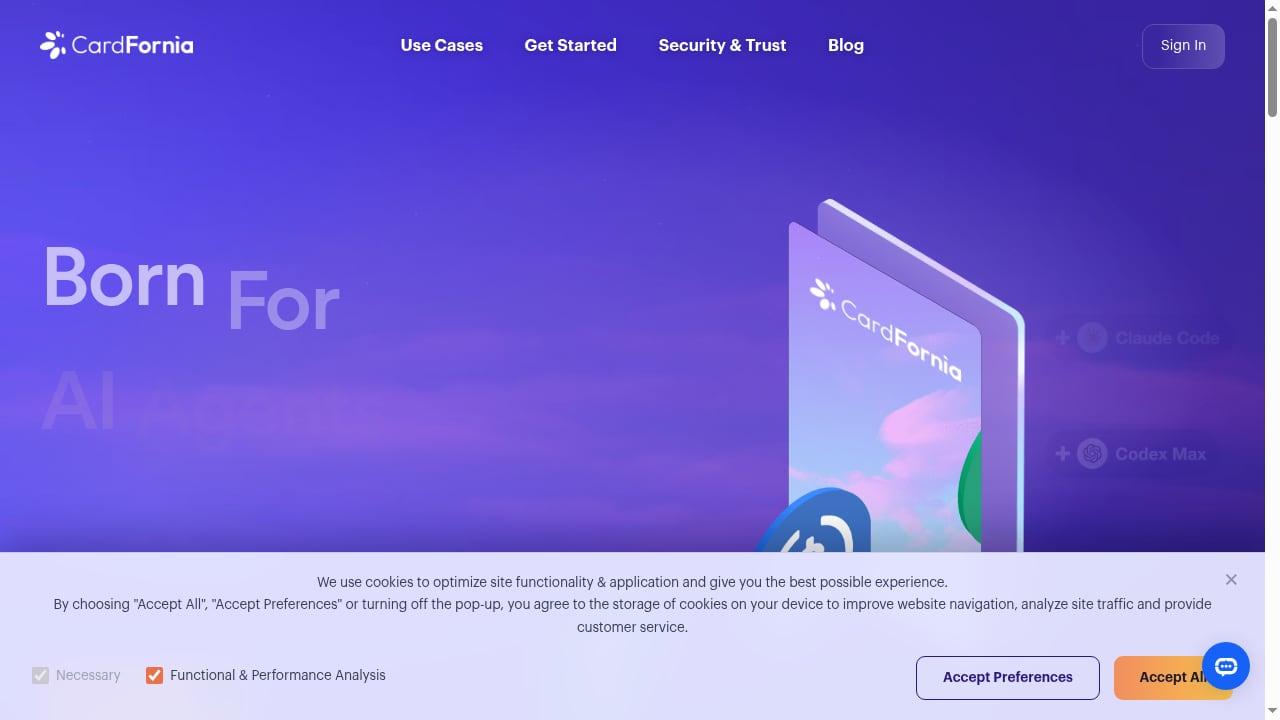
First viewport screenshot of www.cardfornia.com.
If you are comparing platforms, consider custody model, card controls, and AI agent support. Cardfornia emphasizes self-custodied funding, dynamic card issuance, merchant whitelisting, and minute-level authorization. For a broader comparison of corporate card platforms, see Cardfornia vs WaldenPay vs Brex: Which Fits Your Business?. If you are evaluating other stablecoin payment providers, the BVNK review and the Reap review cover enterprise use cases and card issuing.
Security best practices
- Never enter your Ledger recovery phrase into any website, including Cardfornia. Ledger will never ask for it.
- Verify every recipient address on the Ledger device screen before approving.
- Use a dedicated wallet or account for Cardfornia funding to keep treasury operations separate.
- Set conservative limits on agent cards and raise them only after successful test transactions.
- Review Cardfornia audit logs regularly and freeze unused cards.
- Keep KYB and cardholder verification records current to avoid authorization interruptions.
Related reading
- Banqa Review: Self-Custody USDC Visa Card Tested - Hands-on Banqa review: self-custody USDC Visa card fees, limits, setup, ideal users, and limitations. See if this crypto card fits your spending.
Sources and further reading
- Cardfornia | Corporate AI Payment Cards - Secure and stable AI payment cards designed exclusively for AI Agents’ Autonomous Payments
- Introduction - Updated 2026-09-21 What is Cardfornia Cardfornia is a corporate card platform for businesses that operate across borders and on-chain. We help teams turn stablecoin and fiat balances into Visa and Mastercard ca
FAQ
Does Cardfornia hold my stablecoins?
Cardfornia states that funds go directly to a dedicated sub-account with a licensed card provider and never through Cardfornia. Cardfornia is a financial technology company, not a bank. Card issuance and fund holding are provided by licensed partner institutions.
Can I use any Ledger model with Cardfornia?
Yes. Any Ledger hardware wallet that supports the network and stablecoin you use for funding can send USDT or USDC to Cardfornia. The key requirement is verifying the address and network on the device.
Do I need a Ledger to use Cardfornia?
No. Cardfornia works with self-custody wallets generally. Ledger adds hardware-based key protection, which is useful for businesses holding significant stablecoin balances.
How long does Cardfornia KYB take?
According to Cardfornia, KYB approval typically takes one to two days. Cardholder identity verification is also required before cards are issued.
Can AI agents use Cardfornia cards directly?
Cardfornia is designed for AI agent payments. Agents can use cards scoped to specific merchants, with hard spending caps and short validity windows, so transactions outside the mandate are declined.
What happens if I send stablecoins on the wrong network?
Funds sent on an unsupported network may be lost. Always confirm the network and address in the Cardfornia dashboard and on your Ledger device before approving the transfer.
Conclusion
Cardfornia and Ledger solve complementary problems: Cardfornia gives businesses controllable virtual cards for AI agents, ad spend, SaaS, and global purchases, while Ledger protects the stablecoin wallet that funds those cards. The workflow is straightforward: verify your Cardfornia account, send USDT or USDC from a Ledger-secured wallet, issue scoped cards, and test before scaling. For teams that want self-custody without sacrificing transaction control, the combination offers a practical balance of security, auditability, and operational flexibility.
To explore Cardfornia's card controls and AI agent payment features, visit Cardfornia. For Ledger product details and security guidance, visit Ledger.