
Ramp Review 2026: Spend Management & Finance Automation
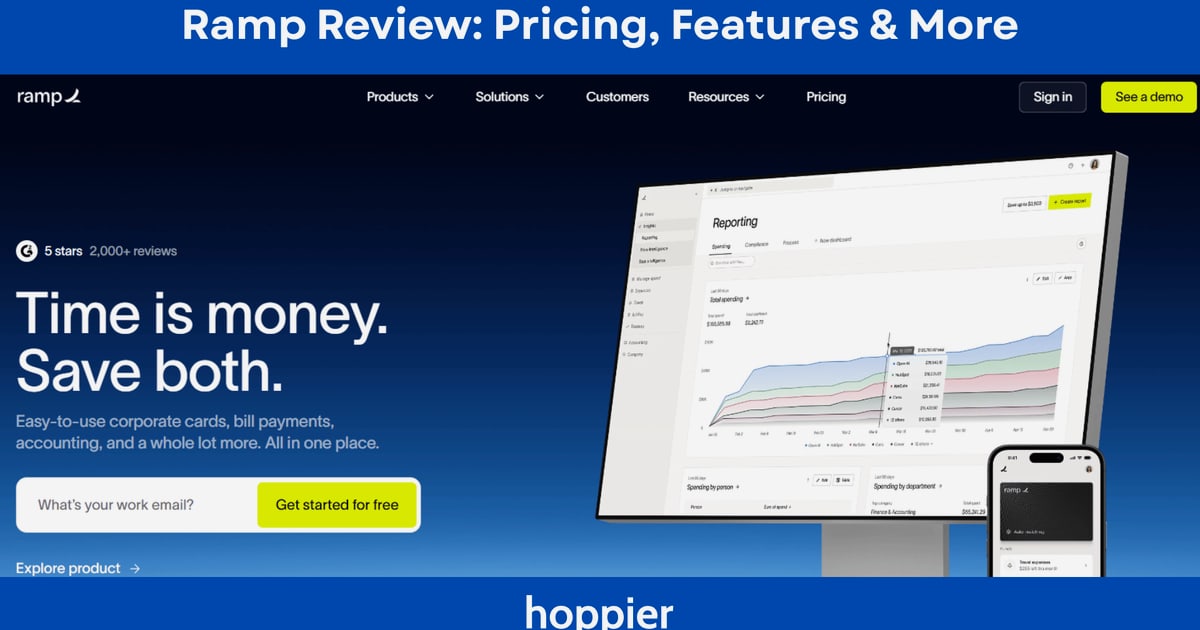
Ramp Review 2026: Spend Management and Finance Automation Tested
Ramp has become one of the most visible names in corporate spend management, promising to help finance teams spend less, close faster, and automate the tedious parts of expense reporting. But a platform that looks free on the surface can behave very differently once your team grows, your AP volume rises, and your ERP needs deepen. This review examines what Ramp actually does well, where it falls short, who should use it, and what to check before signing up.
What Ramp Is and Who It Serves
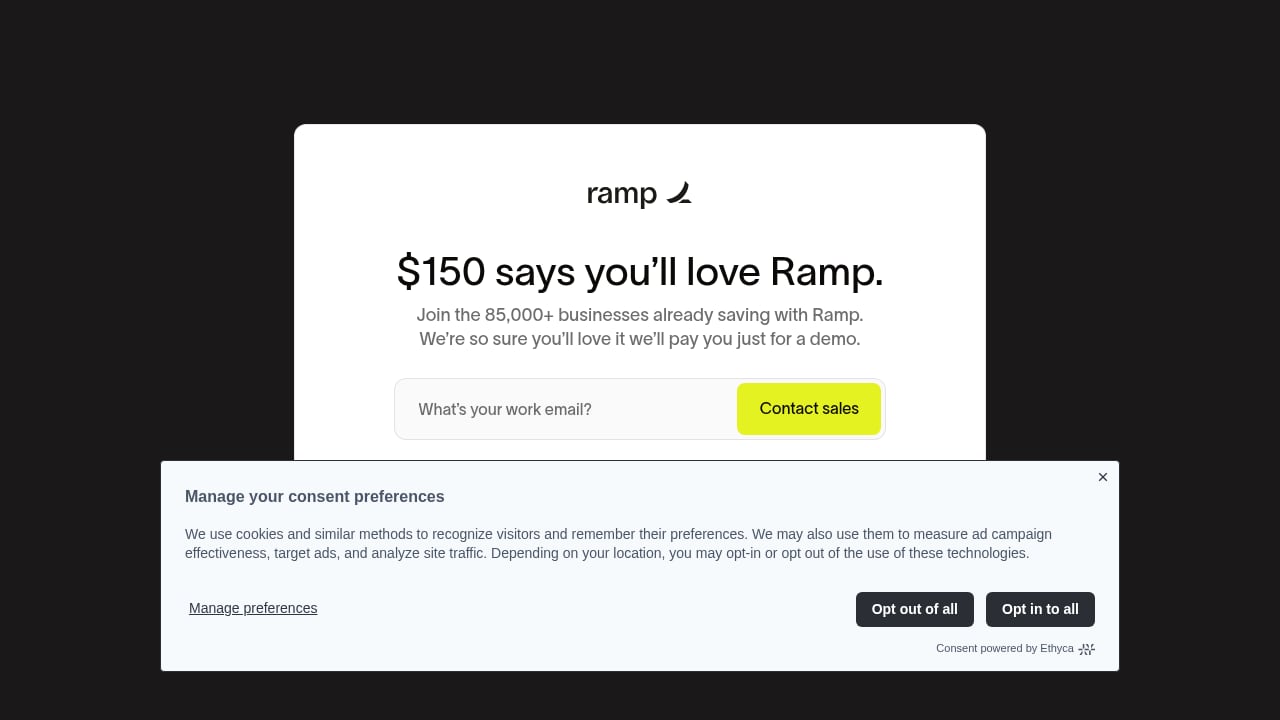
First viewport screenshot of ramp.com.
Ramp is a spend management and finance automation platform that combines corporate cards, travel and expense management, accounts payable, accounting automation, and business banking in one system. It serves finance teams from early-stage startups to global enterprises. The company reports 85,000+ businesses on the platform, with customers including ElevenLabs, the Denver Broncos, Boys & Girls Clubs, IHS, ABB Optical, Agemark, AngelList, Barry's, Browserbase, and Perplexity.
The core pitch is straightforward: issue unlimited virtual and physical cards, automate receipt collection and expense coding with AI agents, route approvals through configurable workflows, and pay bills via ACH, card, check, or wire. Ramp also offers a free plan and paid tiers, with no personal credit checks and global card acceptance.
Strengths: Where Ramp Delivers

First viewport screenshot of ramp.com.
Corporate card controls and virtual card issuance
Ramp's card program is the strongest part of the product. Finance teams can issue virtual cards instantly for projects, vendors, or one-off purchases, set merchant and category restrictions, and monitor transactions in real time. Users consistently praise the ability to create new virtual cards almost instantly for new spending projects, which is especially useful for marketing teams, contractors, and subscription-heavy operations.
Expense automation and receipt matching
Ramp uses AI agents to collect receipts, match them to transactions, and code expenses. The platform can text employees after a card swipe to prompt a receipt upload, which reduces the end-of-month chase. Case studies show meaningful time savings: Barry's reported 400 hours per month saved, and Agemark reported closing 19 days faster.
AP and bill pay in one place
Ramp handles bill payments via ACH, card, check, and wire, with automated invoice extraction and approval routing. For companies that want a single system for cards and bills, this reduces tool sprawl. ABB Optical reported saving more than $2 million using Ramp.
Support quality
Support experiences vary, but some finance admins report strong responsiveness. In a Reddit discussion about Ramp support, one admin wrote that Ramp followed up multiple times on an issue and escalated to programmers, while another praised support for being responsive during a NetSuite sync issue. That said, other reviewers describe bot-heavy support and weak onboarding, so the experience is not uniform.
Limitations: What to Watch
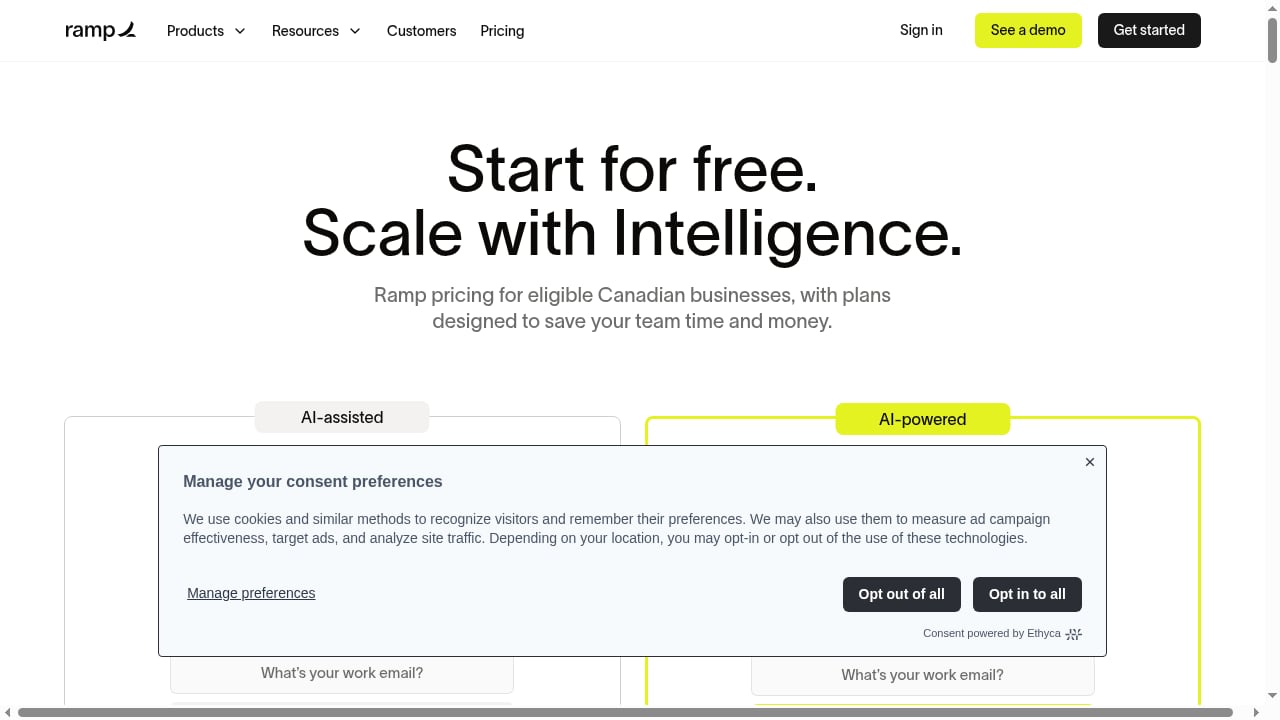
First viewport screenshot of Ramp Pricing and Plans.
AP depth versus dedicated AP platforms
Ramp started as a corporate card company and later added AP functionality. Reviewers note that its AP automation is more basic than purpose-built AP platforms, especially for complex approval chains, multi-entity workflows, and deep ERP customization. One user on a competitor's review page complained that bill pay had "serious deficiencies" and that reporting was lacking despite AI claims. Treat these as directional signals rather than universal truths, but test AP workflows thoroughly before committing.
Integration depth and sync behavior
Ramp integrates with QuickBooks Online, Xero, NetSuite, and Sage, but some users report that syncs run on daily batches rather than real-time bi-directional updates. For finance teams that need instant ERP reconciliation, this can create double work. A Reddit admin specifically mentioned NetSuite sync issues that required support escalation.
Manual workarounds at scale
Some users report inflexible setup that forces manual processes. Examples include the inability to bulk update transaction locations and recurring transactions that do not auto-populate fields. These are not deal-breakers for small teams, but they add friction as volume grows.
Pricing opacity
Ramp markets a free plan, but essential features such as advanced procurement tools, custom workflows, and ERP customizations sit behind paid tiers. Third-party analysis puts paid plans starting around $15 per user per month, with enterprise pricing negotiated separately. The free tier is genuinely useful for basic card and expense management, but budget for upgrades if you need deeper controls.
Support inconsistency
While some admins praise Ramp support, Trustpilot reviews surface complaints about payment delays and customer service. The lesson is to clarify your support tier and escalation path during onboarding, especially if you run a lean finance team.
Pricing Signals
Ramp does not publish a full public price list, so treat these as signals rather than quotes:
- Free plan: Corporate cards, basic expense management, and limited automation at no cost.
- Paid tiers: Start around $15 per user per month according to third-party analysis, unlocking advanced workflows, procurement, and deeper integrations.
- Enterprise: Custom pricing negotiated based on volume, entities, and ERP requirements.
Because Ramp earns interchange revenue from card spend, the free tier can be genuinely cost-effective for card-heavy businesses. The calculus changes when you need AP automation, multi-entity accounting, or custom approval logic.
Setup and Onboarding
Setup typically involves connecting your accounting system, configuring approval workflows, issuing cards, and importing vendors. Most teams can get cards running within days. Deeper AP and ERP configuration takes longer and may require implementation support.
Practical setup checklist:
- Map your chart of accounts and cost centers before connecting QuickBooks Online or Xero.
- Define approval thresholds and card policies upfront to avoid rework.
- Test receipt matching and coding with a pilot team before rolling out company-wide.
- Confirm ERP sync frequency and whether it meets your close calendar.
- Clarify support escalation paths and onboarding resources in your contract.
Ideal Users and Use Cases
Ramp fits best when:
- You are a startup or mid-market company with heavy card spend and want free or low-cost card controls.
- Your finance team wants to automate receipt collection and expense coding without adding headcount.
- You need a single system for cards, expenses, and basic bill pay.
- You use QuickBooks Online or Xero and do not require complex multi-entity ERP customization.
Ramp is a weaker fit when:
- You need deep, real-time bi-directional ERP integration for NetSuite or Sage at scale.
- Your AP process involves complex approval chains, multi-entity allocations, or high-volume invoice matching.
- You require granular procurement and purchase order workflows out of the box.
Ramp vs Alternatives
First viewport screenshot of ramp.com.
If your priority is corporate cards with expense controls, Ramp is a strong contender. If your priority is AP automation depth, dedicated AP platforms may fit better. If you operate in stablecoin or crypto-native payments, compare custody, card issuance, and compliance features carefully. For a broader comparison of card and expense platforms, see our Cardfornia vs WaldenPay vs Brex breakdown. For teams evaluating stablecoin-powered card issuing alongside traditional spend management, our Reap review and Sparados review offer useful context.
Decision Criteria Checklist
Before choosing Ramp, score yourself against these criteria:
- Card spend volume: Higher volume improves the economics of the free tier.
- AP complexity: Simple bill pay fits Ramp; complex AP may not.
- ERP requirements: Confirm sync frequency and customization needs.
- Headcount and licenses: Estimate paid seat costs for your full team.
- Support needs: Ask about dedicated support and escalation SLAs.
- Reporting depth: Test reports against your close and audit requirements.
Related reading
- Crypto Dollar Payments for AI Agents: Cardfornia Guide - Learn how to use crypto dollar stablecoins for AI agent payments with Cardfornia's self-custody virtual cards, merchant whitelisting, and real-time controls.
- Top 10 Regulated Fintech & Digital Asset Platforms 2026 - A ranked review of the 10 best regulated fintech infrastructure and digital asset platforms in 2026, scored on licensing, stablecoin rails, card issuing, and compliance.
- How to Use Cardfornia with Ledger: Secure AI Payments - Learn how to use Cardfornia with Ledger to secure stablecoin funding and control AI agent payments with self-custody and hardware wallet protection.
Sources and further reading
- Read Customer Service Reviews of ramp.com - Trustpilot - Ramp Reviews · Payment. People report negative experiences with payment, noting that transactions take an exceedingly long time to... · Customer service. Users ...
- The heart of the internet - Sorry, this post was deleted by the person who originally posted it.
- Ramp user reviews: The good, bad, and a better AP & P2P option - See honest Ramp reviews from real users: pricing, features, pros & cons. Learn why finance teams choose Stampli for complete AP & P2P automation.
FAQ
Is Ramp free?
Ramp offers a free plan covering corporate cards and basic expense management. Advanced features, procurement tools, and deeper integrations require paid tiers, with third-party estimates starting around $15 per user per month.
Does Ramp require a personal credit check?
No. Ramp states that it does not perform personal credit checks, which makes it accessible for startups and founders who want to avoid personal guarantees.
How does Ramp compare to Brex?
Both offer corporate cards and spend management. Ramp emphasizes finance automation and AP, while Brex is often chosen for its banking and travel features. The right fit depends on your AP depth, ERP needs, and card spend profile.
What do users say about Ramp support?
Experiences are mixed. Some admins praise responsive support and escalation, while others report bot-heavy interactions and weak onboarding. Clarify support terms during evaluation.
Can Ramp handle multi-entity accounting?
Ramp supports accounting automation and ERP integrations, but complex multi-entity workflows may require paid tiers or additional configuration. Test this during a pilot.
Is Ramp good for startups?
Yes, especially for startups with heavy card spend that want free card controls and automated receipt collection. As AP complexity grows, reassess whether paid tiers or a dedicated AP platform is warranted.
Conclusion
Ramp is a strong choice for companies that want corporate cards, expense automation, and basic bill pay in one platform, especially when card spend can offset the cost. Its AI-driven receipt matching and virtual card controls are genuinely useful, and customer case studies show real time and cost savings. The trade-offs appear at scale: AP depth, ERP sync behavior, manual workarounds, and pricing opacity can frustrate finance teams with complex needs. Evaluate Ramp against your AP complexity, ERP requirements, and support expectations before committing, and pilot the workflows that matter most to your close.